AI Prompt Generator
Turn a rough idea into a new, structured AI prompt with useful context, a clear role, constraints, and the output format you want.
 Prompt Five
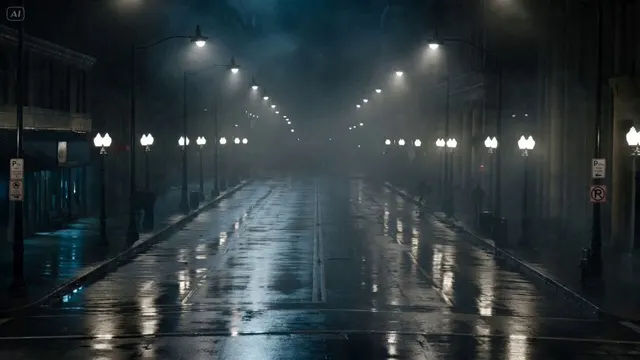
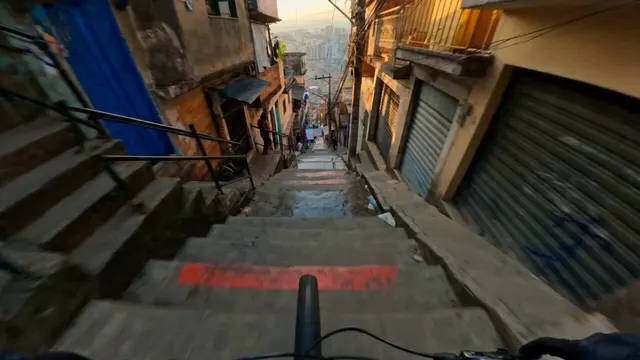
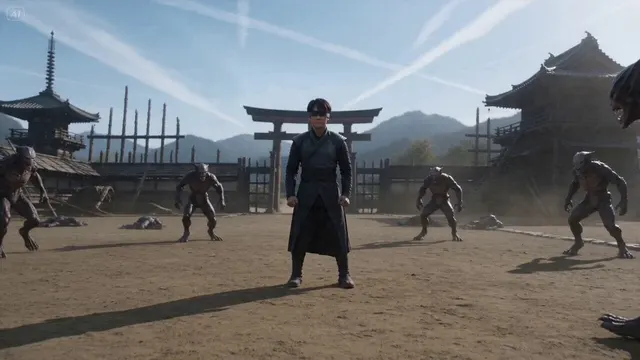
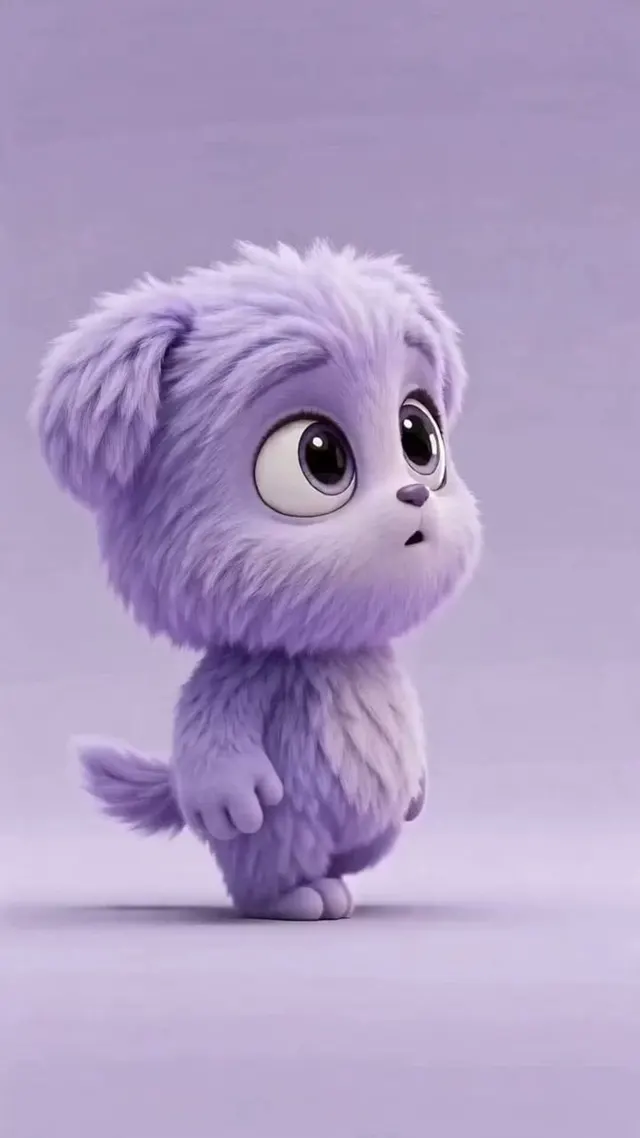
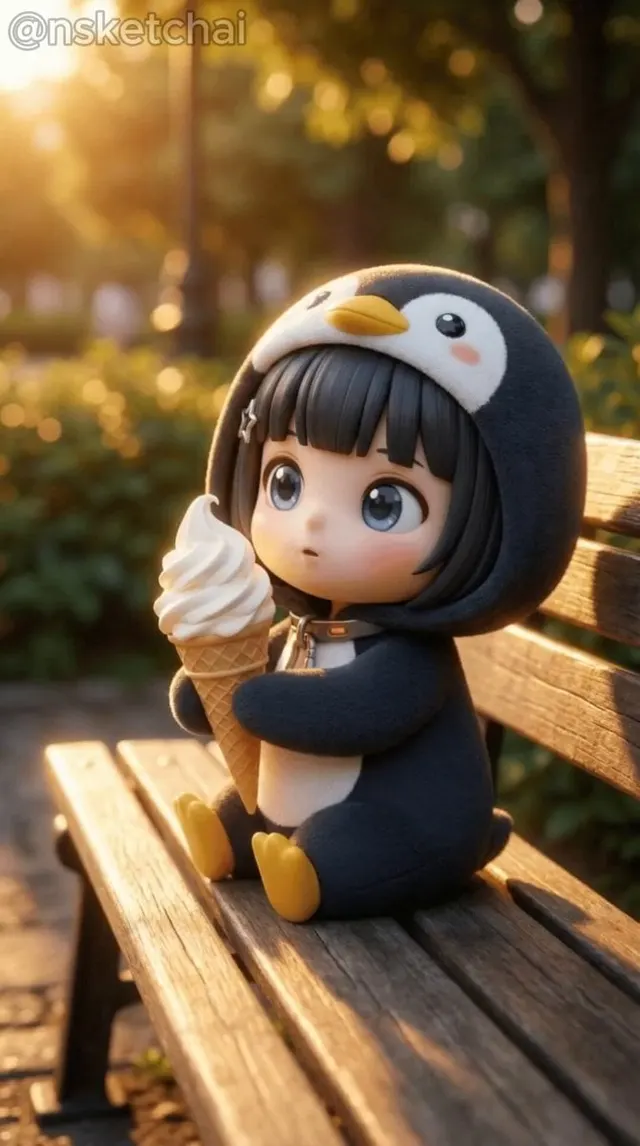
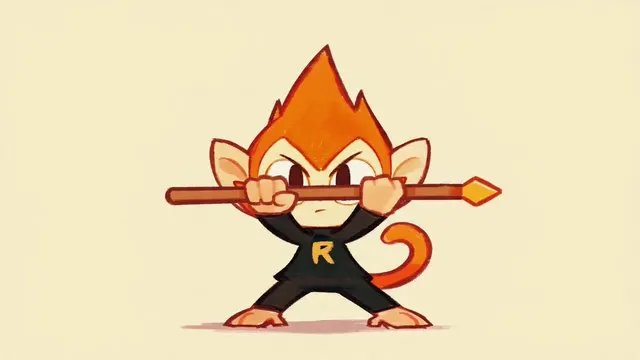
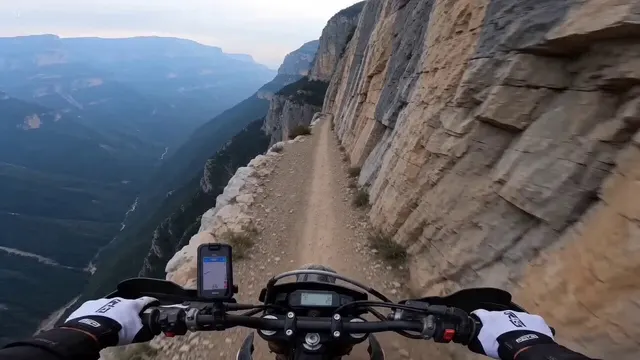
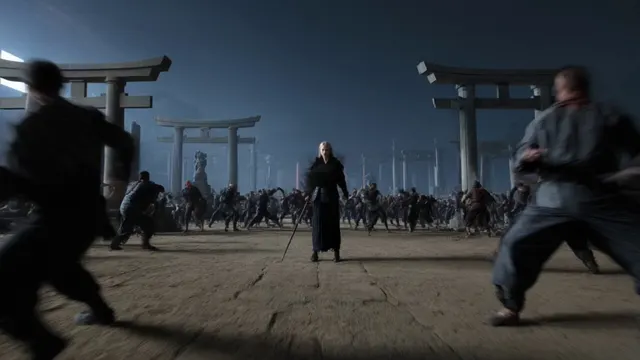
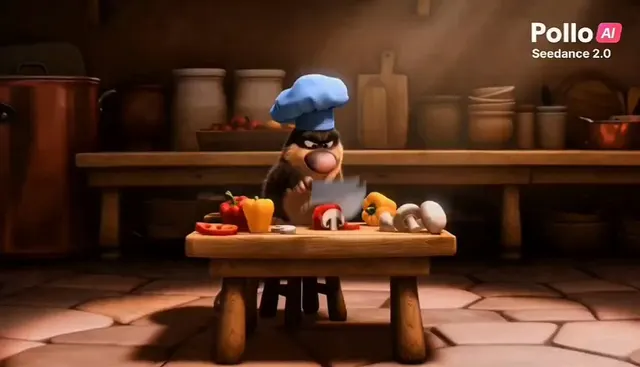
Turn a written scene idea into a structured AI video prompt with subject action, camera movement, pacing, lighting, continuity, and an ending frame.
Continue with another Prompt Five generator, checker, rewriting tool, or image workflow.
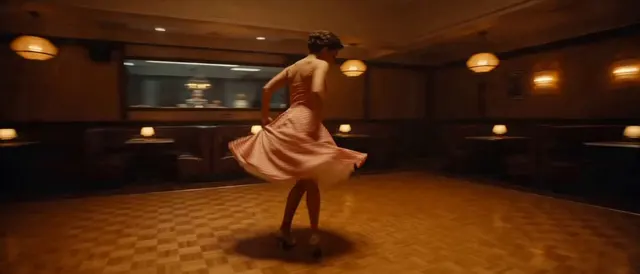
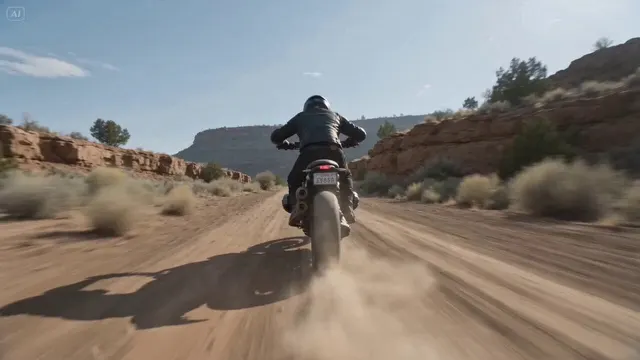
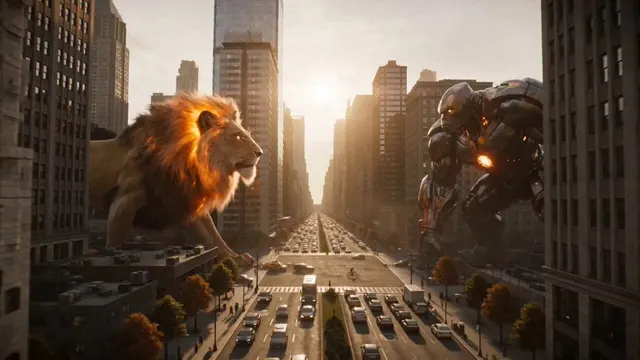
Start with a written scene, not an uploaded video. The generator builds prompts for cinematic shots, product reveals, social clips, character motion, transitions, and environmental scenes across Veo, Seedance, Runway, and Kling.
Create directions for product reveals, cinematic inserts, social clips, establishing shots, or transitions by stating the change, camera path, pace, continuity rules, and end state.
Use concrete motion verbs for both subject and camera. Keep each prompt focused on one coherent shot, and split multi-stage sequences when the model cannot maintain identity or spatial continuity.
Prompt Five produces descriptive direction, while duration, aspect ratio, seed, motion strength, reference frames, and negative-prompt controls remain specific to the destination video model.
Describe one shot, generate its motion direction, and add the technical controls required by your video model.
Turn a rough requirement, draft, or source image into material you can inspect without rebuilding a long setup prompt first.
Use the dedicated workflow to surface absent context, ambiguous wording, weak constraints, or output requirements that need attention.
Copy only the useful parts, restore project-specific context, and revise the result for the target audience and model.
Copy the descriptive prompt into Veo, Seedance, Runway, Kling, or another video model, then set duration, aspect ratio, references, and other model-specific controls there.
Prepare the source, run the selected action, and validate what Prompt Five returns.
Paste no more than 3,000 characters and include the intended task, audience, constraints, and required format instead of relying on unstated context.
Builds a shot around subject motion, camera behavior, timing, continuity, light, and the final frame.
Check facts, omitted context, formatting, and model assumptions. Copy the result only after it fits the destination workflow.
Quick answers about using AI Video Prompt Generator, input requirements, daily access, output compatibility, and data handling.
Bring the source material this task needs, run one focused Prompt Five workflow, and verify the output before moving it elsewhere.