AI Prompt Generator
Turn a rough idea into a new, structured AI prompt with useful context, a clear role, constraints, and the output format you want.
 Prompt Five
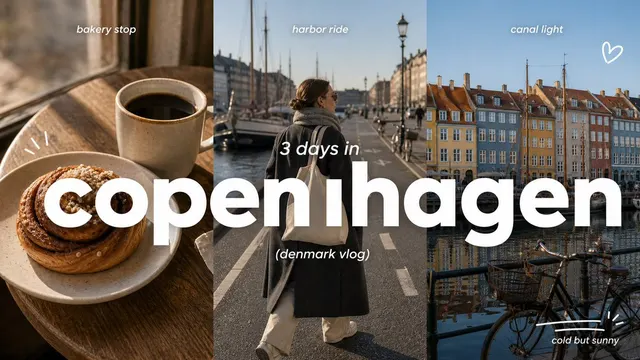
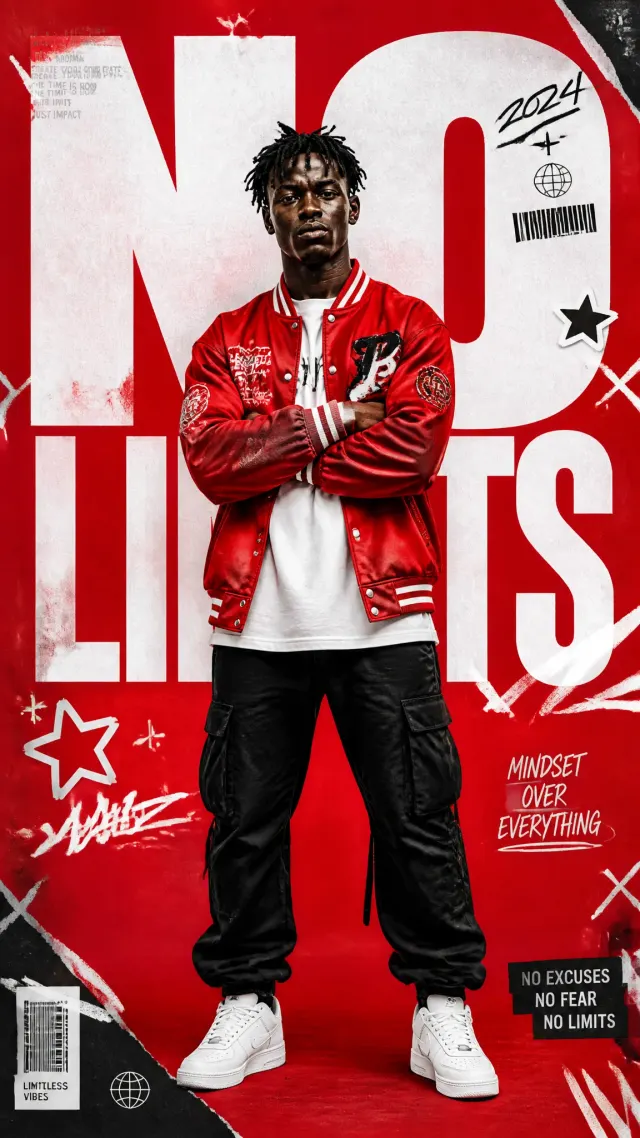
Convert screenshots, photos, and scans into editable text with OCR-style extraction while preserving the source language and reading order where possible.
Continue with another Prompt Five generator, checker, rewriting tool, or image workflow.
Use image to text for receipts, notes, slides, scanned documents, signs, and screenshots when retyping would be slow. Copy the OCR result into an editor, document, translation tool, or search workflow.
Use a sharp, upright source with strong contrast and enough resolution for the characters to be distinct. Crop distractions and reduce glare, shadow, perspective distortion, and extremely small text.
Verify names, amounts, dates, punctuation, table columns, and reading order against the image. Handwriting, decorative fonts, similar glyphs, and dense layouts often require manual correction.
This workflow extracts content; it does not rebuild the original design. Fonts, spacing, complex tables, and multi-column placement may be flattened or represented imperfectly.
Upload a legible image, review the OCR-style extraction, and correct it against the source before copying.
Turn a rough requirement, draft, or source image into material you can inspect without rebuilding a long setup prompt first.
Use the dedicated workflow to surface absent context, ambiguous wording, weak constraints, or output requirements that need attention.
Copy only the useful parts, restore project-specific context, and revise the result for the target audience and model.
Move generated image prompts into Midjourney, GPT Image, Stable Diffusion, Firefly, or another image model. OCR output is plain text that you can paste into any editor.
Prepare the source, run the selected action, and validate what Prompt Five returns.
Upload a JPEG or PNG no larger than 5 MB. Use a clear, correctly oriented source with legible details for a more complete interpretation.
Converts readable writing in screenshots, photos, and scans into editable plain text.
Check facts, omitted context, formatting, and model assumptions. Copy the result only after it fits the destination workflow.
Quick answers about using Image to Text Converter, input requirements, daily access, output compatibility, and data handling.
Bring the source material this task needs, run one focused Prompt Five workflow, and verify the output before moving it elsewhere.